


How to check the Zoom Rooms Version
Please go to Zoom.us to check the latest version. To check what version your unit please follow the instructions below:
-
-
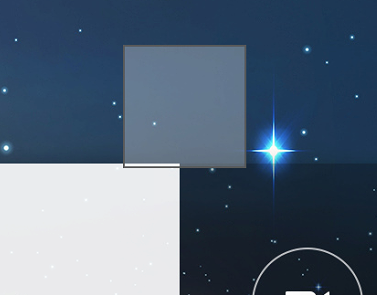
- Press and hold on the screen, you will then see a light gray box
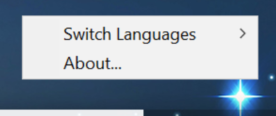
- Let go and a menu popup will appear
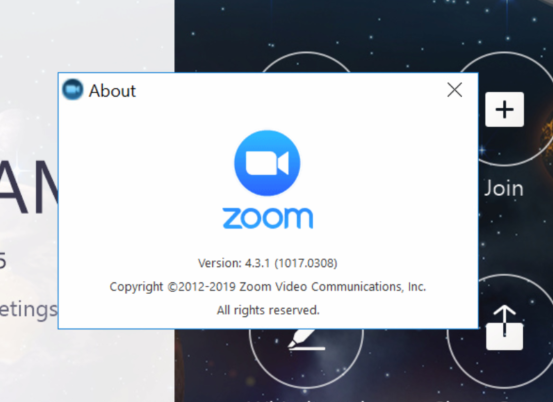
- please press the About…
- This will let you know the current version of Zoom Rooms on your unit.
- Press and hold on the screen, you will then see a light gray box
-
If you have additional questions or need to contact DTEN Support, please refer to this DTEN Knowledge Base article for more details: HERE.
Still need help?
Open an Orbit ticket — your device details are filled in for you.
Was this article helpful?
Thanks for the feedback.