


How to perform a Hard Reboot on D7 55” Series 1
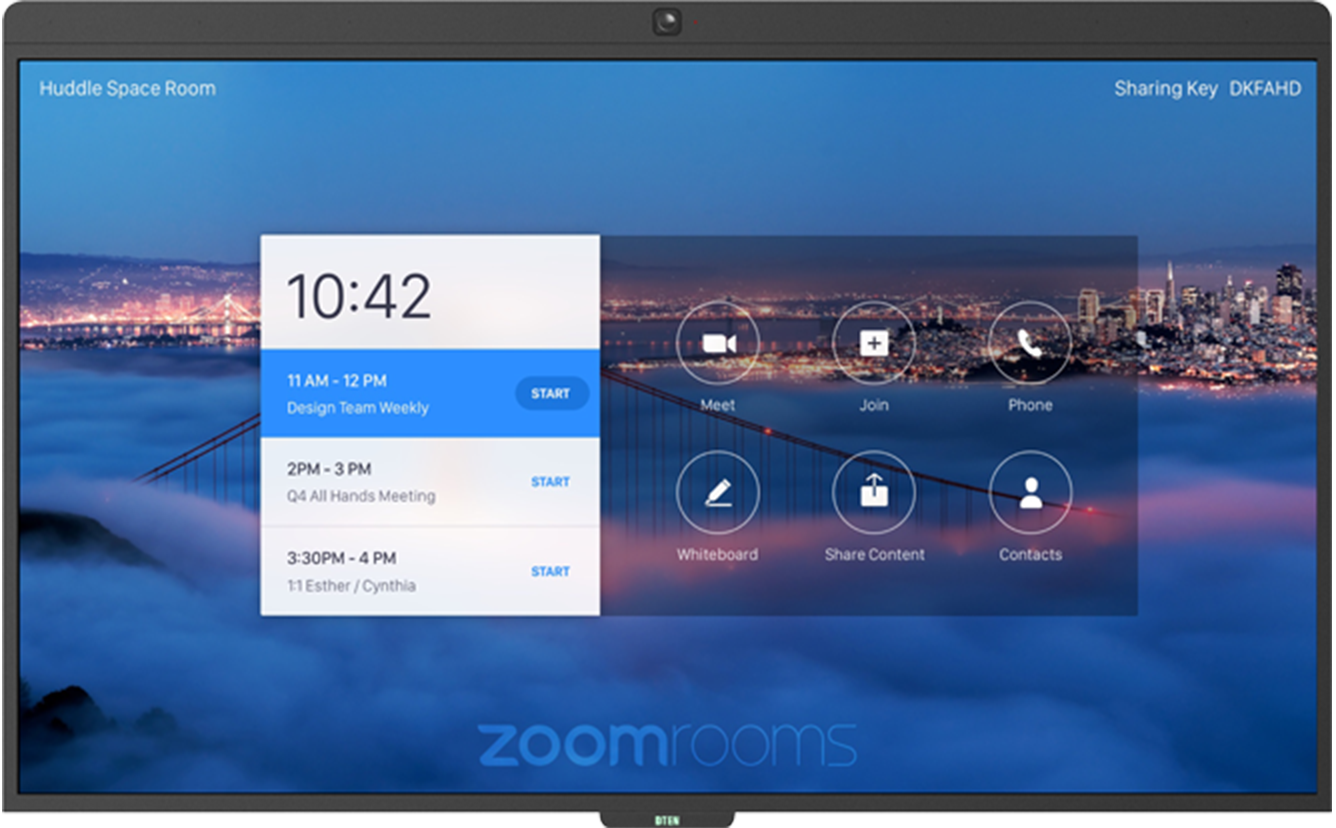
Please check the following:
- Make sure the power cord is plugged into the electrical outlet
- Check DTEN light on the bottom panel on the front of the display lights
Steps to reboot your D7 55″:
- Press the Power button on the back right side; the bottom button.
- Press the Power switch on the bottom middle section of your unit.
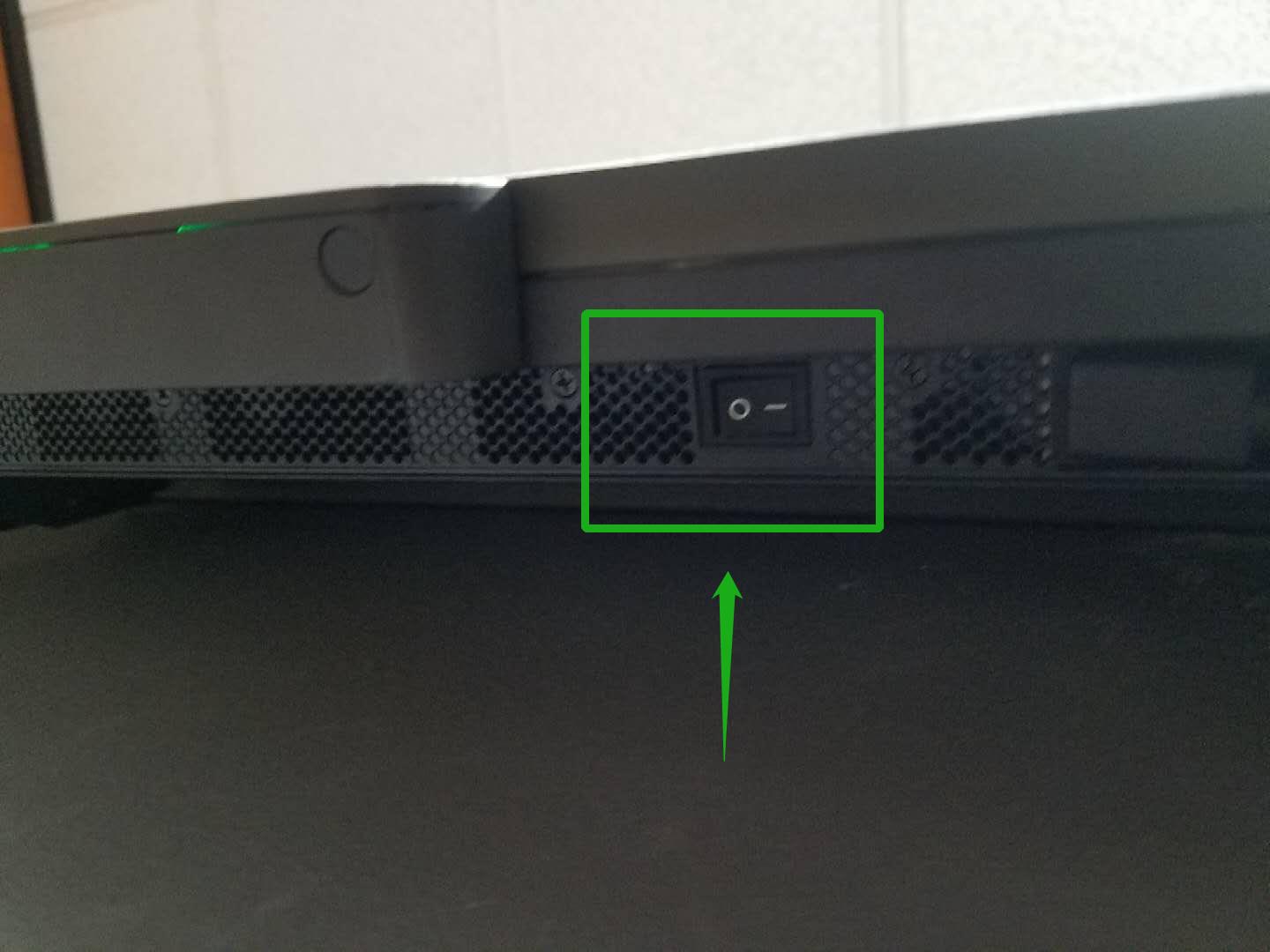
- Please wait for 5 minutes and then turn the Power Switch back on.
- The DTEN light on the bottom panel of the display will light up
- The DTEN board will boot up
If you have additional questions or need to contact DTEN Support, please refer to this DTEN Knowledge Base article for more details: HERE.
Still need help?
Open an Orbit ticket — your device details are filled in for you.
Was this article helpful?
Thanks for the feedback.