


How to Prevent Participants from presenting during Zoom Meeting
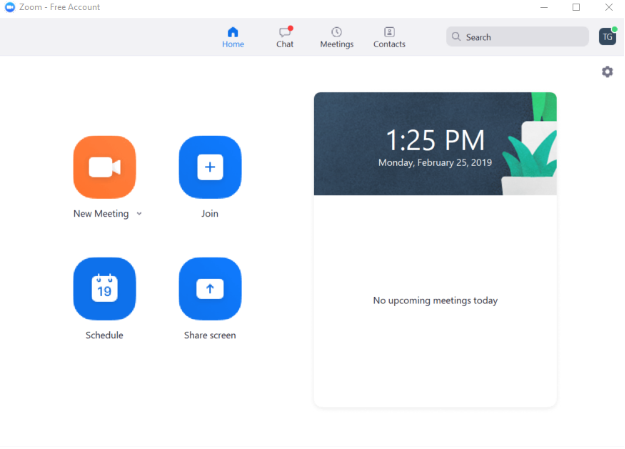
1. Please sign in to your zoom account on your laptop.
2. Next, start a new meeting.
3. In the host controls, click the arrow next to Share Screen and click Advanced Sharing Options.

4.Under Who can share? choose “Only Host”.
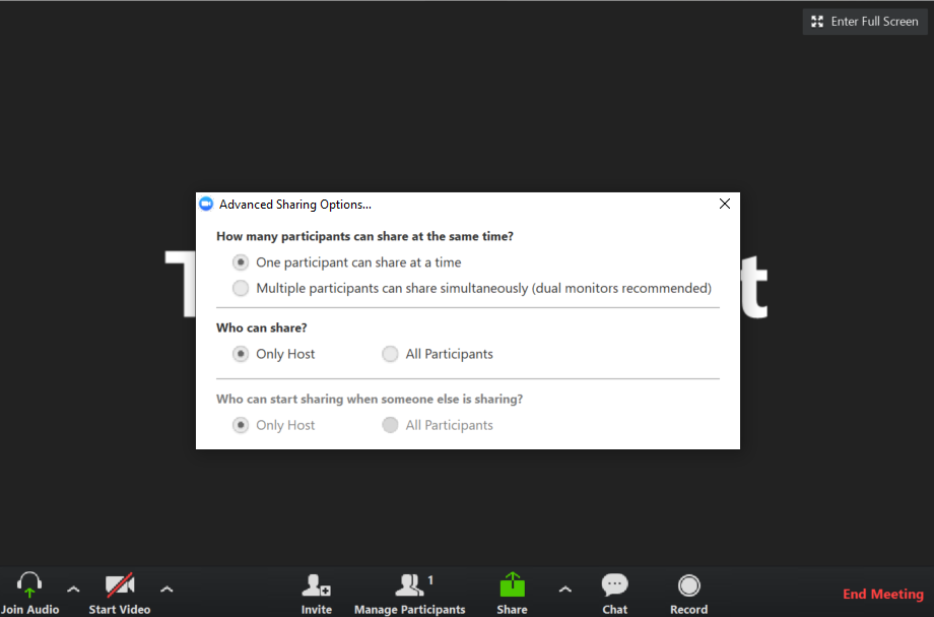
5. Finally, close the window.
For additional Zoom Room Support please see Zoom Help Center at https://support.zoom.us/hc/en-us.
If you have additional questions or need to contact DTEN Support, please refer to this DTEN Knowledge Base article for more details: HERE.
Still need help?
Open an Orbit ticket — your device details are filled in for you.
Was this article helpful?
Thanks for the feedback.