


How to factory reset DTEN ME?
Overview
There are different ways you can perform a factory reset on the DTEN ME and DTEN ME Pro devices, as below:
- On the device
- In the Orbit Portal (Pro, Plus, Premium license only)
Prerequisites:
- Minimum DTEN ME or DTEN ME Pro firmware version requirement is v1.5.4 or higher
On the device
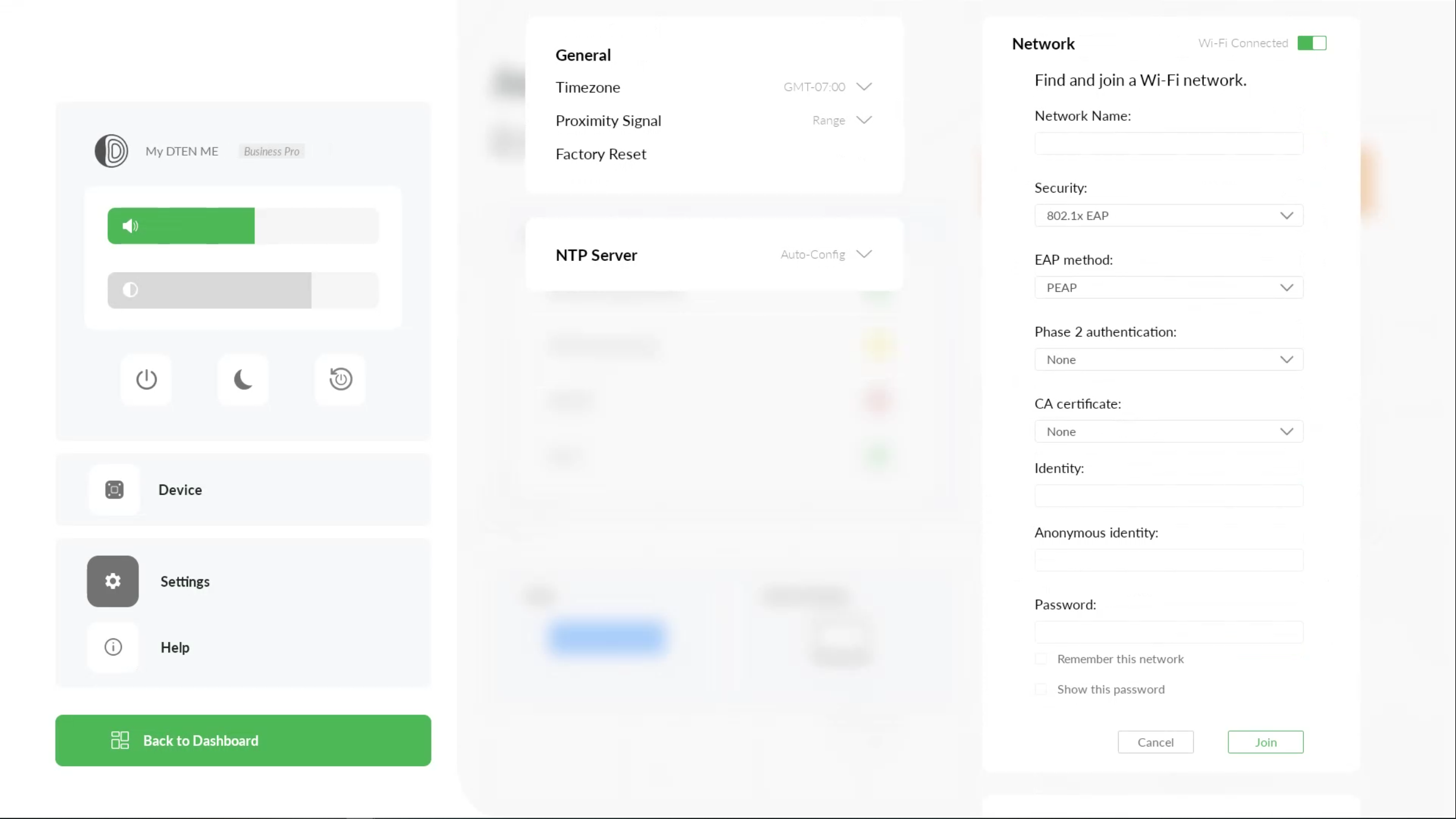
- While in Monitor Mode, swipe right to left on the touch screen with three fingers to access the Dashboard menu
- Press Factory Reset to begin the factory reset
- To stop the factory reset, press the Cancel button
In the Orbit Portal (Pro, Plus, Premium license only)
- Refer to the documentation Here
If you have additional questions or need to contact DTEN Support, please refer to this DTEN Knowledge Base article for more details: HERE.
Still need help?
Open an Orbit ticket — your device details are filled in for you.
Was this article helpful?
Thanks for the feedback.