


How to log into Zoom for Home (ME 27″)
Overview
Starting with Zoom Rooms Version 5.1.0, you will be able to use the DTEN devices with your personal Zoom account. Zoom for Home offers the same functionality as Zoom Rooms.
Prerequisite
- Zoom account
- Zoom for Home DTEN Device
Steps to sign in with your Personal Account
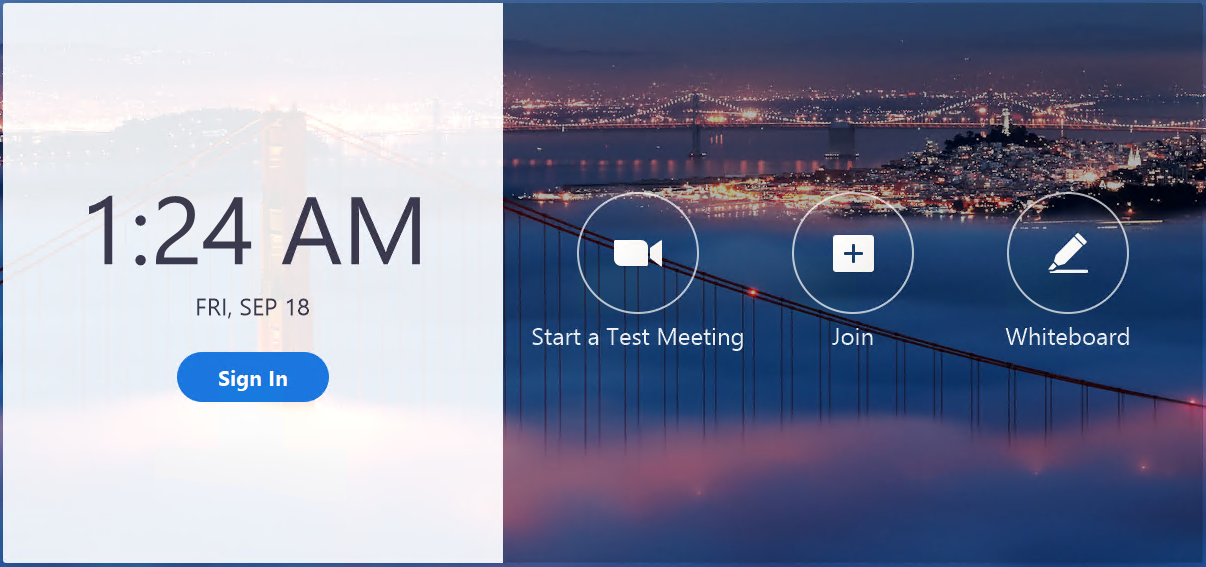
1. Tap on Sign In
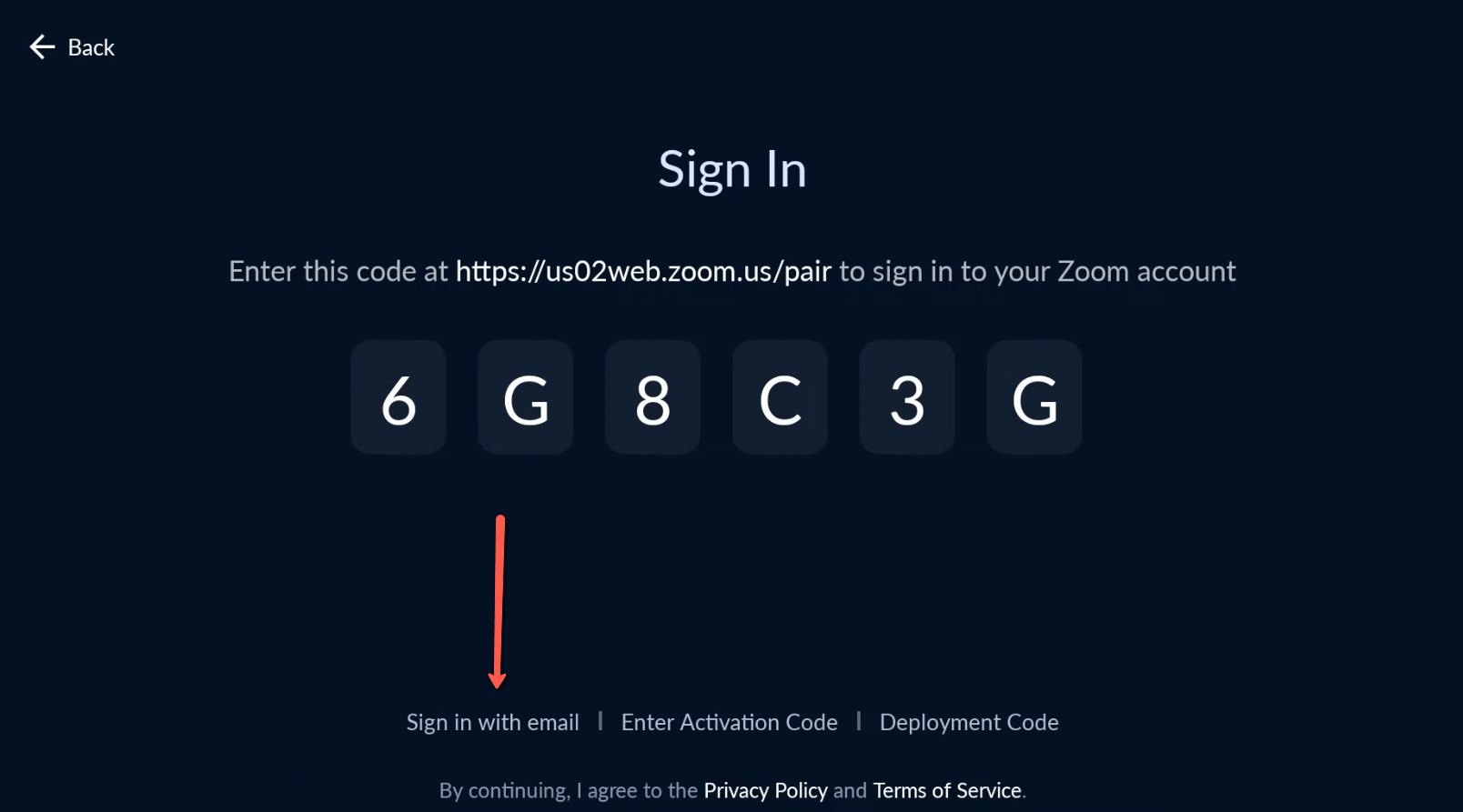
2. On the Sign In screen, please select Sign In with Email
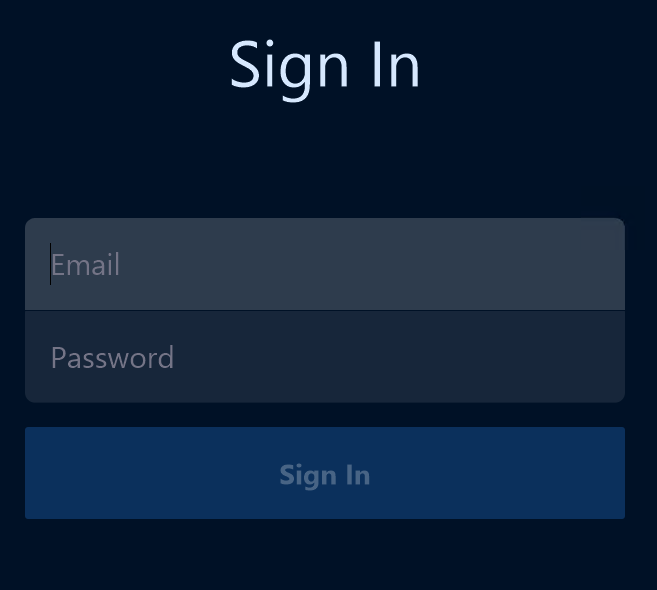
3. Enter your Zoom Account’s Email and Password
4. Tap on +Create a Personal Zoom Room

You are now logged into your Personal Zoom Room. If you would like to provision a Personal Zoom Room for a user, please take a look at this article Provisioning Zoom for Home devices
If you have additional questions or need to contact DTEN Support, please refer to this DTEN Knowledge Base article for more details: HERE.
Still need help?
Open an Orbit ticket — your device details are filled in for you.
Was this article helpful?
Thanks for the feedback.